 cliprivo

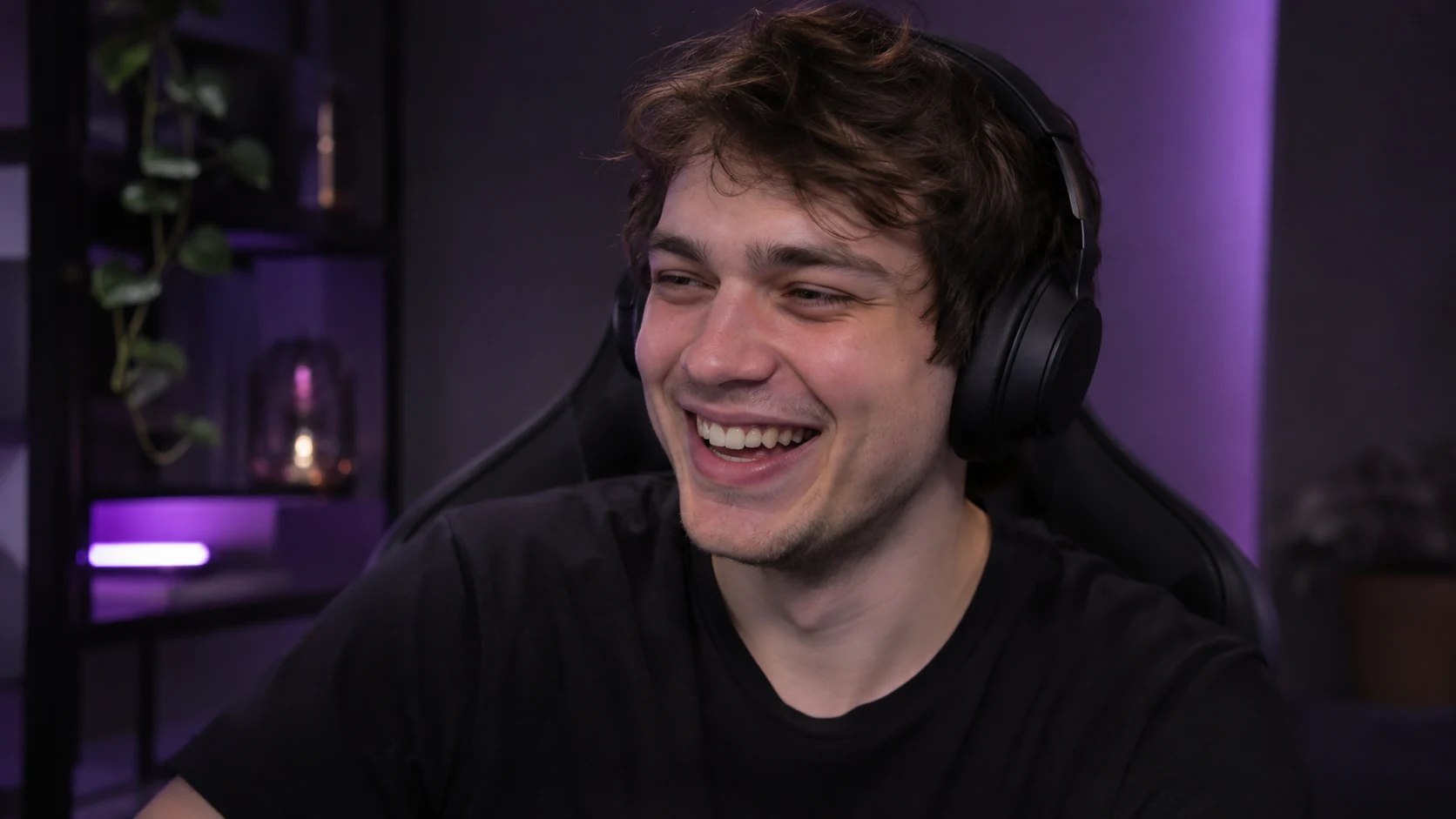 Illustrative workflow, not an actual processed recording.
Find the actual camera first
Review several source frames in the clipping settings. Draw the camera region manually or inspect the AI suggestion. A minimap, chat window or character portrait can be mistaken for a webcam.
The region belongs to the original video. A single selection may not suit every moment if the streamer moved the camera or changed scenes.
Give each layer a purpose
The upper camera shows the person’s reaction; the lower layer shows the action. Balance them so the face and the important game object stay visible.
Zoom enlarges gameplay by cropping the edges. It cannot recover detail missing from the source. Filling every pixel is not a reason to choose maximum zoom.
Review captions and edges
Keep text away from faces and important game elements. Check the first and last seconds and the moment with the fastest motion.
Export a complete short scene and review it on a phone. Fixing the frame before a large batch is easier than rebuilding every result.
This guide explains the workflow. Review your finished clip and permission to use the source before publishing.